


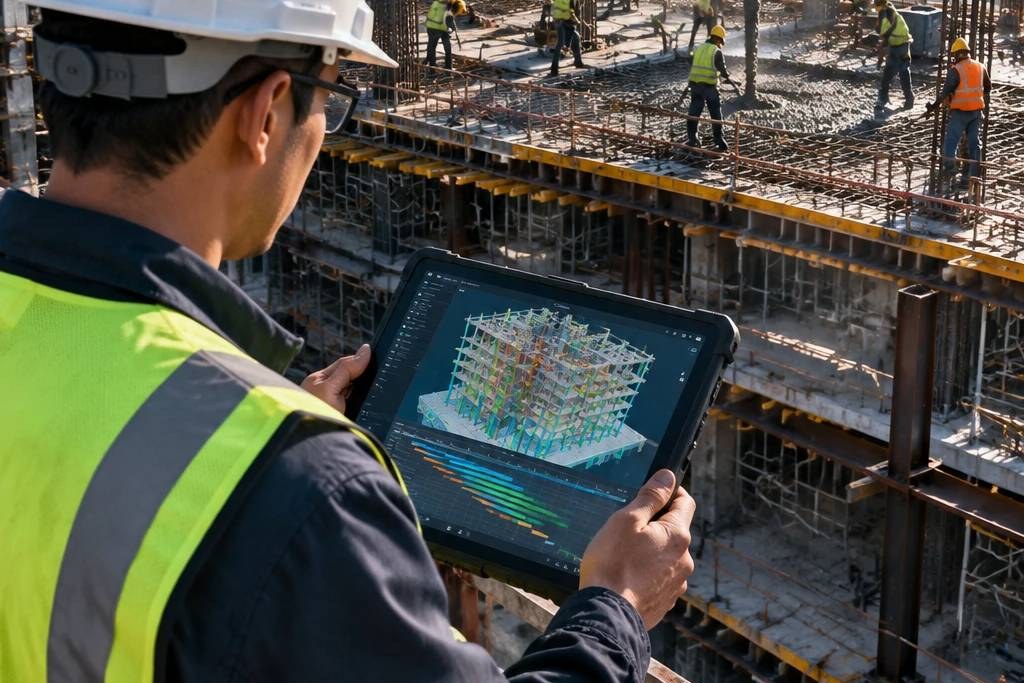
Construction management software gives the jobsite, technical office, contractors and client one reliable record of what happened, what was decided and who owns the next step. This guide explains which processes these tools should support, which platforms suit each job, and how to choose the right one for your project.
Why Excel Spreadsheets Fail on a Construction Site
The first time we realized colorful Excel files were no match for the harsh reality of a construction site was during a construction project involving the complete restoration of a massive, historic building in the heart of the city’s downtown. In the challenging industry of construction and development, managing multiple simultaneous workfronts is a rigorous test; on that project, part of the existing facade had to be preserved while various teams—operating under a lead construction contractor—were simultaneously handling demolition, structural execution, and MEP installations. Messages poured in endlessly, photos circulated across multiple groups, and every contractor on site carried a separate version of the schedule file on their phone or laptop.
One day, the client made an unannounced site visit and asked why floor preparation had started when the under-slab pipe tests had not yet been approved. It was a simple question, but we lacked a clear, documented answer. The site supervisor claimed the MEP contractor had stated the work was ready; that contractor insisted they were awaiting the consultant’s approval; and the consultant had sent a photo in a group chat that was now lost among hundreds of everyday messages.
In any modern project, the speed of field events outpaces manual file updates. It became crystal clear right then that efficient management in construction is not about logging a few numbers in a spreadsheet or sending scattered photos. The core issue is establishing a common language among the jobsite, technical office, client, and every large or small contractor. Software is not meant to replace human experience and judgment; its purpose is to prevent vital information from getting lost amidst the chaos of daily operations.

Daily Field Reporting
The jobsite is where paper schedules collide with the physical reality of construction. An approved project schedule might state: “Third-floor piping installation, Tuesday.” Yet on Tuesday morning, it turns out the pipe route conflicts with a structural beam, the electrical team hasn’t cleared the path yet, and the materials needed by the construction contractor haven’t arrived. If these updates fail to reach the technical office by evening, the next day’s decisions for the entire project will be built on flawed data.
In traditional construction, the site supervisor fills out a paper form or fires off a few photos via a messaging app. The technical office is left guessing which contractor, floor, and activity each photo belongs to. Ambiguities in dates or approval statuses later trigger severe crises when disputes arise between the client and the contractor regarding financial claims and schedule delays (Claims).
Field reporting tools in modern construction management have resolved this dilemma. Supervisors or individual contractors log daily details directly: headcounts, physical progress, equipment downtime, and upcoming bottlenecks. The value of these systems goes beyond mere speed; transparent documentation protects both the client and the contractor, ensuring operational records remain undistorted throughout the construction project lifecycle.
Punch Lists and Handover
In the final days of a project, everyone talks about “handover”; yet handover itself is rarely a simple moment. Most spaces might look complete, yet minor defects remain: a cabinet door fails to latch properly, a window seal requires adjustment, a light switch contradicts the approved drawing, or a freshly painted surface bears impact marks.
When these items are scribbled on scattered notepads, communicated verbally to various construction contractors, and their photos left lingering in chat groups, familiar questions quickly emerge: “Was this pointed out to us?”, “Which photo belongs to our unit?”, “Has the fix been completed or merely reported?”, and “Who needs to reinspect this?”
Defect management or punch list software turns every item into a trackable task. The defect is pinned directly onto the drawing or physical location, linked with photos and descriptions, assigned an accountable owner and target resolution time, shifting its status from “Logged” to “In Progress” and finally “Reviewed.” Crucially, closing an item cannot rely solely on a contractor’s self-declaration; the quality control or handover lead must visually verify and approve the correction.
Construction Document Management
The technical office’s role in construction and building projects extends far beyond reading blueprints. In a single day, an RFI response might arrive, a revised drawing might be issued, a meeting minute might require follow-up, and a sub-contractor might raise execution queries. If each piece of information is stored across emails, messaging apps, personal folders, and miscellaneous files, the risk of working off obsolete versions skyrockets.
This hazard rarely begins with a catastrophic mistake. Sometimes, the execution team opens a drawing missing only a minor revision. Yet that exact revision may have altered a duct route, opening size, or false ceiling height. Once built, the issue is no longer just finding the correct file; the heavy time and financial cost of undoing and redoing the work must be accepted.
An integrated document management system ensures that every contractor accesses exclusively the latest approved drawing revision. Tracking version histories prevents blueprint discrepancy claims in any project and mitigates legal liabilities inherent to construction.
Construction Change Management
Engineering changes are inherent to any project. A client might alter their preferences after viewing a mock-up, unexpected site conditions may surface during excavation, or the design team might revise details to resolve a clash. Change itself isn’t the problem; the issue arises when changes are executed before their schedule and cost impacts are evaluated.
Imagine mid-project, a decision is made to swap out a wall finish material. On the surface, it looks simple. However, the new material may have a longer lead time, require a different substrate, or demand slower installation methods by the contractor. If this decision remains a verbal conversation, each party will likely retain their own biased interpretation of scope and liability.
Change logging must explicitly document what changed, why it was necessary, who requested it, who approved it, and its estimated impact on cost and construction schedule. This isn’t meant to bureaucratize daily conversations; it ensures modifications affecting money, time, quality, or scope are vetted prior to execution.
Project Scheduling and the Critical Path
If a baseline schedule is not calibrated against real-time site progress in construction operations, it quickly devolves into a picture of the past. Projects face daily hurdles: material deliveries are delayed, a work path is blocked, a crew is understaffed, or a technical query remains unanswered. A useful schedule absorbs these realities and reveals which factors genuinely threaten the project completion date.
For instance, a two-day delay in a single activity does not always equate to a two-day delay for the entire project. If parallel activities can proceed or sufficient float exists, the impact remains contained. However, if that activity sits on the critical path as a prerequisite for subsequent tasks, it can severely shift the project timeline. Distinguishing between these scenarios is impossible by merely scanning a flat list of dates.
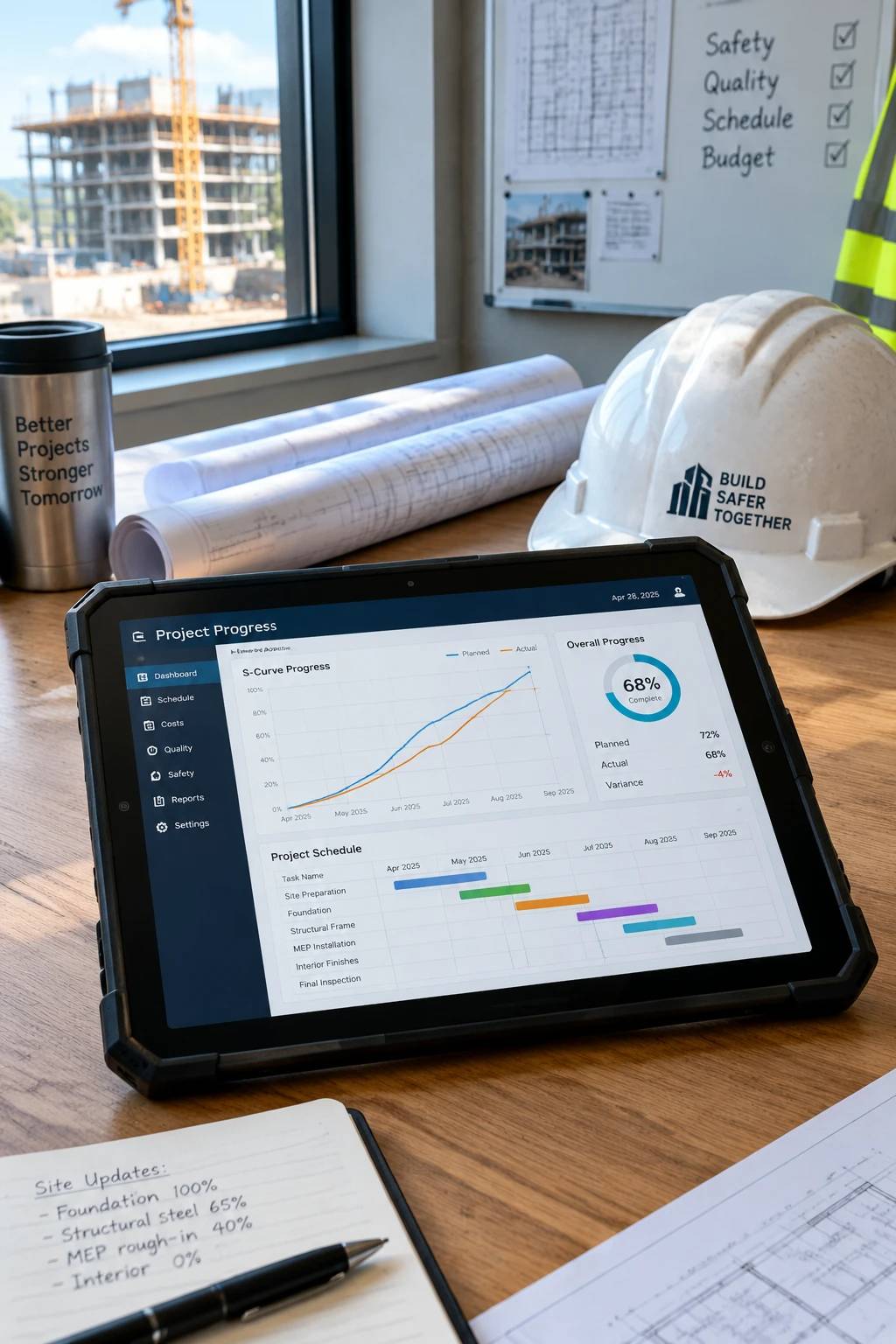
Modern construction software proves invaluable when the baseline schedule, actual progress, and forecasted completion are evaluated side by side. A construction project manager must be able to answer: “What is falling behind the schedule?”, “Which subsequent activities inherit this delay?”, and “What corrective action can mitigate this impact?” To go further, see our article on strategies for combating delays in mega construction projects.
Procurement and Logistics
Sometimes a jobsite is fully staffed, the schedule looks solid on paper, and yet a critical material item has not arrived. The problem didn’t start the day material shortages became visible on site; its roots often trace back weeks earlier, when purchase requisitions were delayed or real lead times were omitted from the schedule.
For standard items, ordering and receiving happen in a short window. However, custom materials, specialized equipment, or items sourced across long supply chains demand extensive lead times. A digital procurement system links purchase requisitions directly to WBS activities in the project, tracking required dates against real lead times. Early warnings hold true value only when there is still time to react.
Construction Cost Control
At first glance, cost control in a project means comparing budgets against payments. Yet in actual construction, disbursed funds represent only part of the equation. Work may be completed whose payment application is still pending review; purchase orders may be issued with zero disbursements yet; or future liabilities may loom over the project despite today’s clean accounting ledger.
Consequently, project managers must differentiate between actual cash expenditures, committed financial obligations, and forecasted costs at completion. This panoramic vision helps them anticipate financial trajectories before budgets run dry, ensuring financial transparency between the client and every construction contractor. For practical methods, read our guide to cost control strategies for contractors.
Trade Coordination on Site
In building projects, many delays stem not from a lack of effort, but from trade clashes. An electrician needs ceiling space for cable trays currently occupied by mechanical ductwork. A plasterer wants to close up a wall before pipe pressure tests are completed. A succeeding trade enters the workfront unaware of schedule slips or assuming the area is fully ready.
In such moments, preaching “Everyone needs to coordinate” achieves nothing. Coordination must translate into actionable clarity: “Which space belongs to which trade at what time?”, “What must be completed before the next team steps in?”, “Who signs off on workfront readiness?”, and “If a crew hits a roadblock, whom and how do they notify?”
Client Reporting
Clients in any project rarely need to see daily jobsite minutiae. They want to know the project’s health, what risks threaten schedule or budget, and what decisions require their input. A quality management report highlights precisely these matters, rather than dumping raw charts and unexplained technical jargon onto a single page.
If a project falls behind schedule, stating “Progress is at 68%” is insufficient. It must clarify what this percentage is measured against, the exact variance, and root causes. Concise annotations beside key performance indicators turn raw numbers into actionable decisions.
Documenting Decisions
Messaging apps excel at rapid communication. Sending photos, coordinating site visits, or announcing material arrivals via instant messaging is effortless. The trouble begins when the entire institutional memory of a project is entrusted to ephemeral chat histories. Decisions regarding changes, purchasing approvals, or technical clarifications get buried among casual banter, making them nearly impossible to unearth months later.
Teams don’t need to abandon messaging apps. It simply must be understood that chat is for rapid notifications, whereas information impacting cost, time, quality, or scope must be formally logged in its designated official repository.
Essential Construction Management Software Tools
We have discussed the processes and demands of construction management; but in practice, which specific software tools support these workflows? Recognizing these tools helps tailor the ideal choice to project scale and team structure:
- Unified Project Information Platforms (e.g., Procore, Autodesk Construction Cloud): Designed for centralized control of documents, drawings, RFIs, change management, and daily site logs. Their core advantage connects the technical office to the field while providing a secure cloud environment for simultaneous team access.
- Scheduling & Project Control Software (e.g., Primavera P6, Microsoft Project): Specialized tools for developing master schedules, determining critical paths, defining Work Breakdown Structures (WBS), and tracking time and cost variances in mid-to-large projects.
- Digital Drawing Review & Document Tools (e.g., Bluebeam Revu): Robust software enabling technical engineers and designers to markup PDF drawings, compare revisions, perform precise takeoffs, and manage consultant feedback simultaneously.
- Field Mobility & Punch List Apps (e.g., PlanGrid, now part of Autodesk Construction Cloud, or local equivalents): Mobile and tablet applications streamlining daily reporting, safety checklists, and jobsite punch lists with full offline capabilities.
Choosing software should never be driven by brand names or flashy interfaces; it must target the project’s immediate bottleneck (such as delayed reporting, drawing ambiguity, or fragmented communication). For heavy-industry work, also see our article on project management software in industrial construction.

How to Choose the Right Construction Management Software
The temptation to buy an all-encompassing software package is understandable, but a project lacking foundational data-entry habits won’t suddenly become disciplined through a complex platform. A better approach starts with a simple question: Which project problem destroys the most time, money, or trust?
If field reports arrive late, start with daily logging and photo attachments. If drawing revisions and technical answers go missing, prioritize document management and RFI tracking. If project handover drags due to unresolved defects, streamline punch list workflows and review cycles.
Conclusion: Software Builds a Shared Project Memory
Ultimately, software alone cannot organize a jobsite, make a contractor meticulous, or satisfy a client. Garbage in means garbage out; if no one is held accountable for open items, warnings lose their bite; and if teams don’t know what to record, the system becomes a digital graveyard of incomplete data.
The true value of construction management software lies in building a shared project memory: what was done, what decision was made, what issue remains open, and who owns the next step. They help funnel information from the field to the technical office, connect technical data to schedules and budgets, and ultimately deliver crystal-clear visibility to the client.
Projects are inherently unpredictable. Software won’t eliminate every surprise. But it ensures issues are surfaced earlier, decisions are backed by richer data, and today’s agreements aren’t forgotten tomorrow. In construction management, that small distinction between “I heard so” and “Recorded and tracked” is often what prevents a short delay from escalating into a prolonged dispute.
Frequently Asked Questions About Construction Management Software
What is construction management software?
It is software that brings project information such as daily reports, drawings, RFIs, changes, schedules and costs into one place, so the site, the technical office and the client all work from the same up-to-date record.
Can Excel replace construction management software?
Excel is useful for simple lists and calculations, but it struggles once several teams update information at the same time. Versions multiply, and there is no clear record of who reported or approved what.
Which software is used for construction scheduling?
Primavera P6 and Microsoft Project are common choices for developing master schedules, finding the critical path, defining the WBS and tracking time and cost variances on mid-size and large projects.
What is a punch list in construction?
A punch list records the defects that must be corrected before handover. In software, each item is pinned to a drawing or location, linked to photos and assigned an owner and a due date, and it closes only after quality control verifies the fix.
How do I choose the right tool for my project?
Start with the problem that costs you the most time, money or trust. If field reports arrive late, begin with daily logging; if drawing revisions go missing, prioritize document management; if handover drags on, focus on punch lists. Then check the fit with project scale and team structure.
Does software alone prevent delays and disputes?
No. Results depend on accurate data entry and clear accountability for open items. What software does is surface problems earlier and keep decisions on record, so a short delay is less likely to become a long dispute.